
How to Play Hello Kitty Party Land Online With Friends
Online play needs 2-4 Friends-list players and Nintendo Switch Online. Host creates a room; others search, optional 4-digit password. Local: 1-4 on one console.
How do you play Hello Kitty Party Land online with friends?
Use the main menu’s Online option for 2–4 players over the internet, with a paid Nintendo Switch Online membership and players on your Friends list. For 1–4 people on the same console, choose 1–4 Player Game instead—no NSO required for that local mode. Nintendo’s Hello Kitty Party Land store pages list single system (1–4) and online (1–4) play modes; the manual narrows online play to friends only and 2–4 participants.
Official trailers do not show the online lobby, Create Room, or Search for Room screens. The steps below come from the Bandai Namco America game manual only. Scene images on this page are general multiplayer marketing—not UI tutorials.
Main menu: local vs online
| Menu option | What the manual says |
|---|---|
| 1–4 Player Game | Using one main controller setup, choose how many players start on one Nintendo Switch system. |
| Online | Internet play for 2–4 players in a game. |
| Options | Sound, manual, credits, and other settings. |
After you pick player count (local) or enter online flow, you still pass through Before You Play setup—difficulty, dress-up, and partner selection—described in our beginner guide.
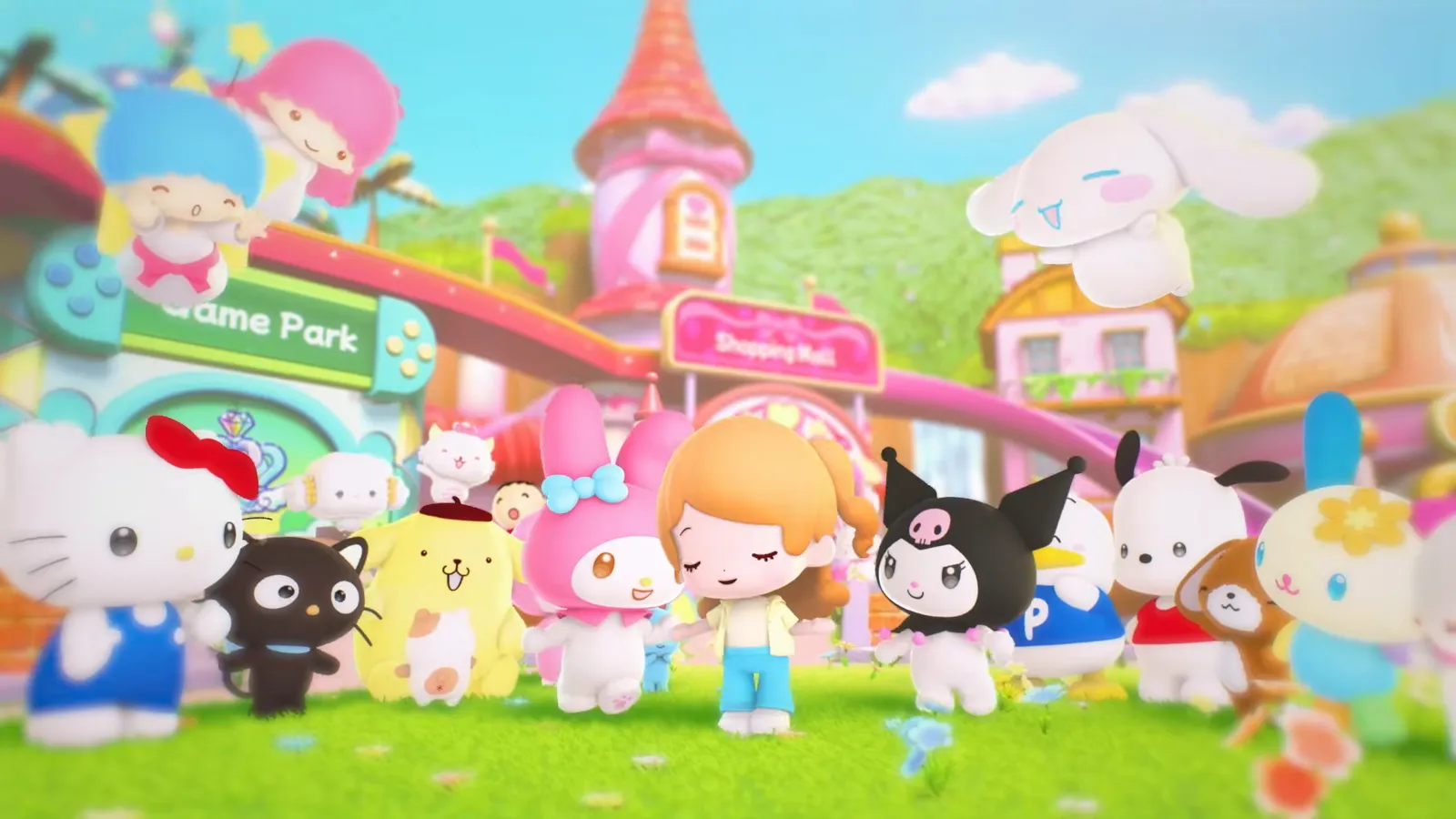
Source: Hello Kitty Party Land Announcement Trailer (Bandai Namco), 0:08 (video).
Friends-only rule and Nintendo Switch Online
The manual’s Play with Friends section states:
- You can start with up to four players on the same console from the main menu, or 2–4 people online via Online.
- Online works only with users registered as Friends.
- A paid Nintendo Switch Online membership is required for online features.
Nintendo’s store footer repeats that Nintendo Switch Online membership (sold separately) and a Nintendo Account are required for online play, with internet access for online features (terms apply). This is separate from Save Data Cloud, which also appears on store pages.
Who is the host—and what they control
Offline: controller 1 is the host.
Online: whoever creates the room is the host.
During play, the host handles menu picks, camera use, opening the Sticker Book, entering or leaving buildings, starting board games, minigames, Melody Cake, Poster Studio, and similar activities, plus pausing. Guests should expect the host to drive those prompts—useful when coordinating board game mode or minigames.
Joining on one console (profiles and guests)
When choosing 2–4 Players locally, players besides the host join by selecting a user profile or joining as a guest. Each player’s displayed name matches their profile name, per the manual.
Starting an online game: Create Room vs Search for Room
- Host — Create Room: Select Create Room, configure the room, wait for friends to join, then start when everyone is ready.
- Everyone else — Search for Room: Select Search for Room, pick the correct room from the list, and wait for the host to start.
Optional four-digit password
If the host sets a password on the room, only players who know it may join. The manual describes a four-digit number of your choice—share it with your group in chat or voice, not inside the game’s friend system.
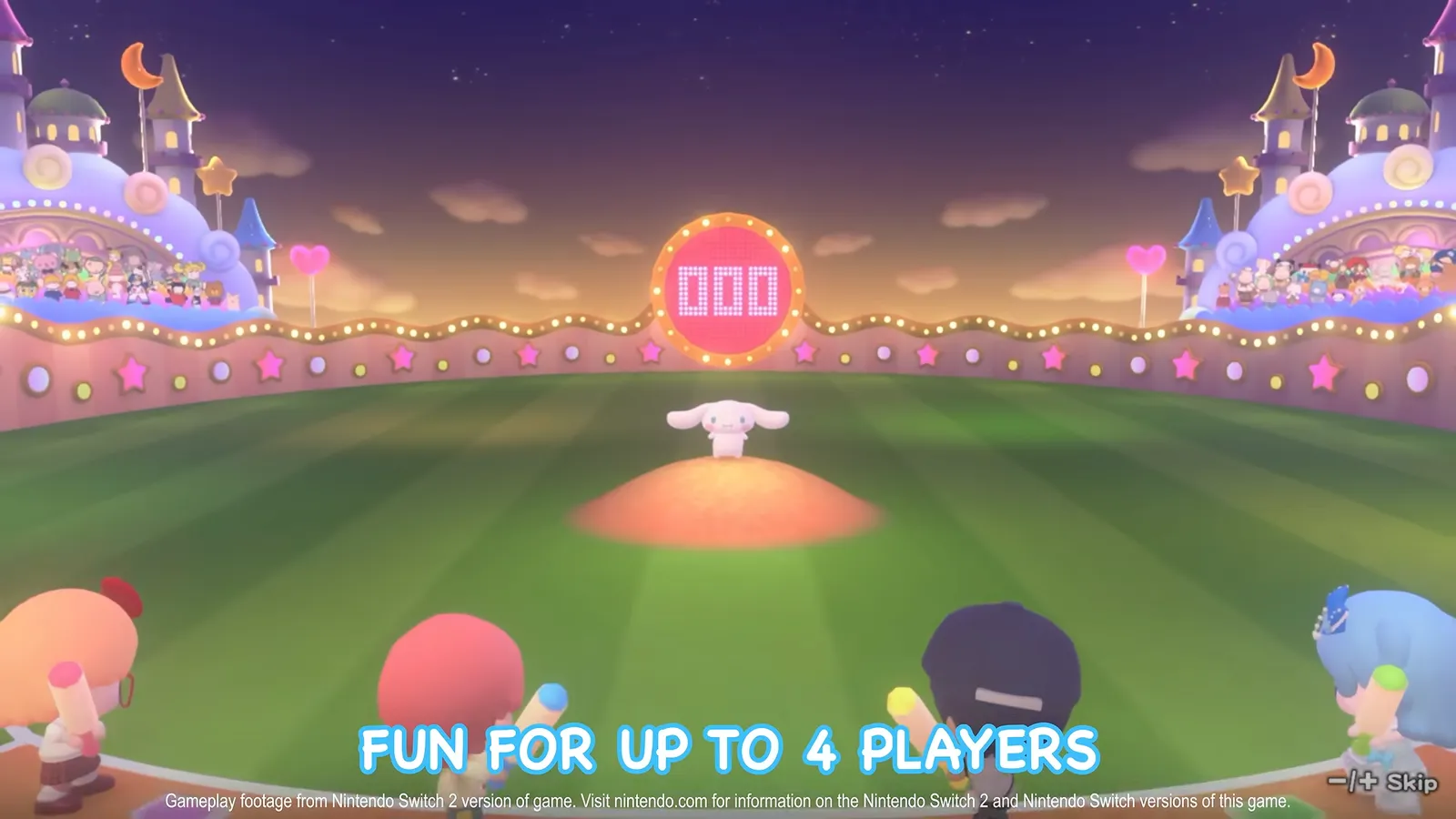
Source: Nintendo Direct 6.9.2026 (Hello Kitty Party Land segment), 0:18 (video).
The Direct clip shows four players in a minigame—it illustrates party size, not matchmaking or room codes.
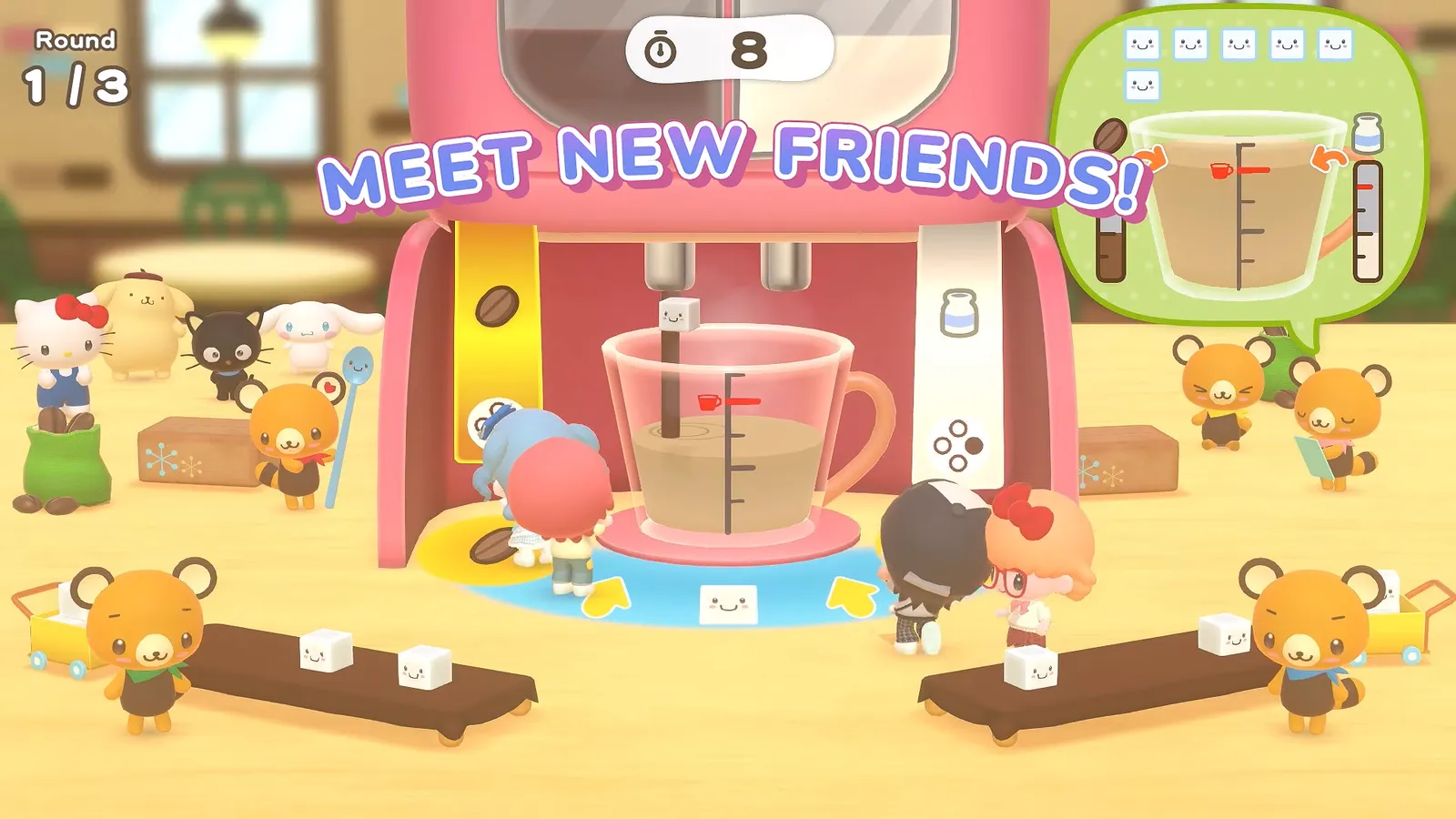
Source: Hello Kitty Party Land Launch Trailer (Nintendo), 0:20 (video).
Points to remember for online play (manual)
The manual asks players to:
- Treat other players with respect and avoid unsportsmanlike or illegal conduct.
- Check with your internet service provider about possible fees or restrictions before going online.
- Reduce wireless interference (for example, keep microwaves away from the play area when on Wi‑Fi).
- Avoid disconnecting mid-game.
- Make sure you have enough time to finish before starting a session.
These are etiquette and connectivity reminders—not hidden mechanics. For controller layouts once you are in a session, see controls. For pre-order bonuses unrelated to multiplayer, see codes and pre-order bonus.
FAQ
Do I need Nintendo Switch Online to play Hello Kitty Party Land online?
Can I play online with random players?
How many players can join online?
How does the host start an online session?
Can we password-protect a room?
Related Articles
Board Games
Blooming Flower Festival Board — Flowers, Quota, and Spaces
Blooming Flower Festival rules at Medium: 150 flowers per player, one delivery point, Plus Spaces, Marroncream pickups, and the on-screen HUD.
Board Games
Hello Kitty Party Land Board Game Mode: Rules & Three Maps
How board game mode works at Game Park: three maps, turn order, spaces, petit games, delivery quotas at Medium, and how coins are earned.
Board Games
Sparkling Neon Night Board — Sparks, Charge, and Neon Spaces
Sparkling Neon Night board at Medium: 200 sparks per delivery site, Roulette and TV Game spaces, Goropikadon's show theme, and HUD cues from trailers.
Was this helpful?
Thanks for the feedback!